 Online Training

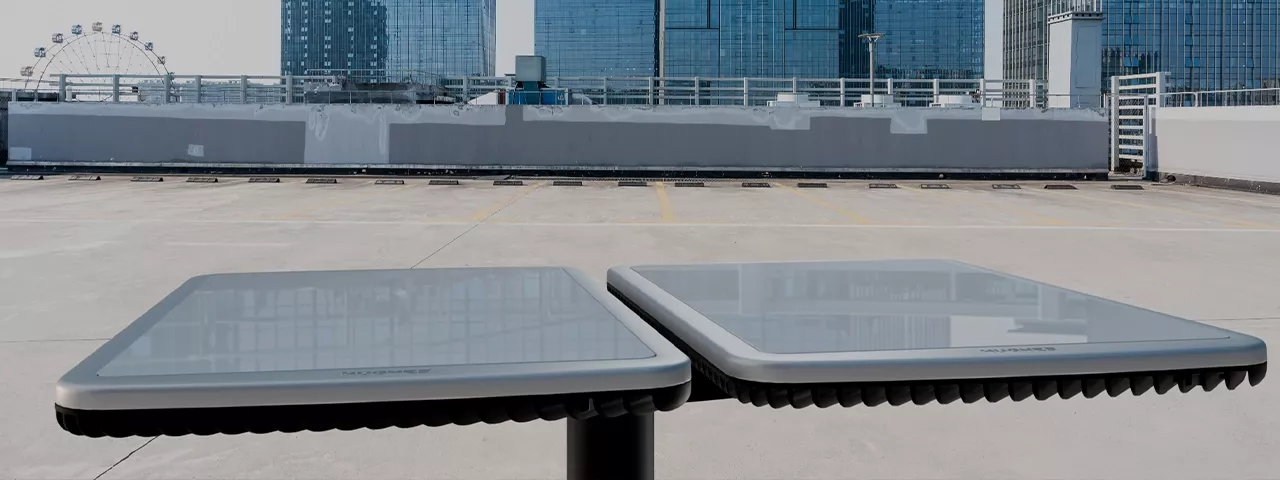
Hughes HL 1100W and 1120W One Web Flat Panel User Terminal Installation
Factory-authorized installation and troubleshooting training for Hughes model HL1100W and HL1120W User Terminals used in the Eutelsat OneWeb LEO network.
Course Description
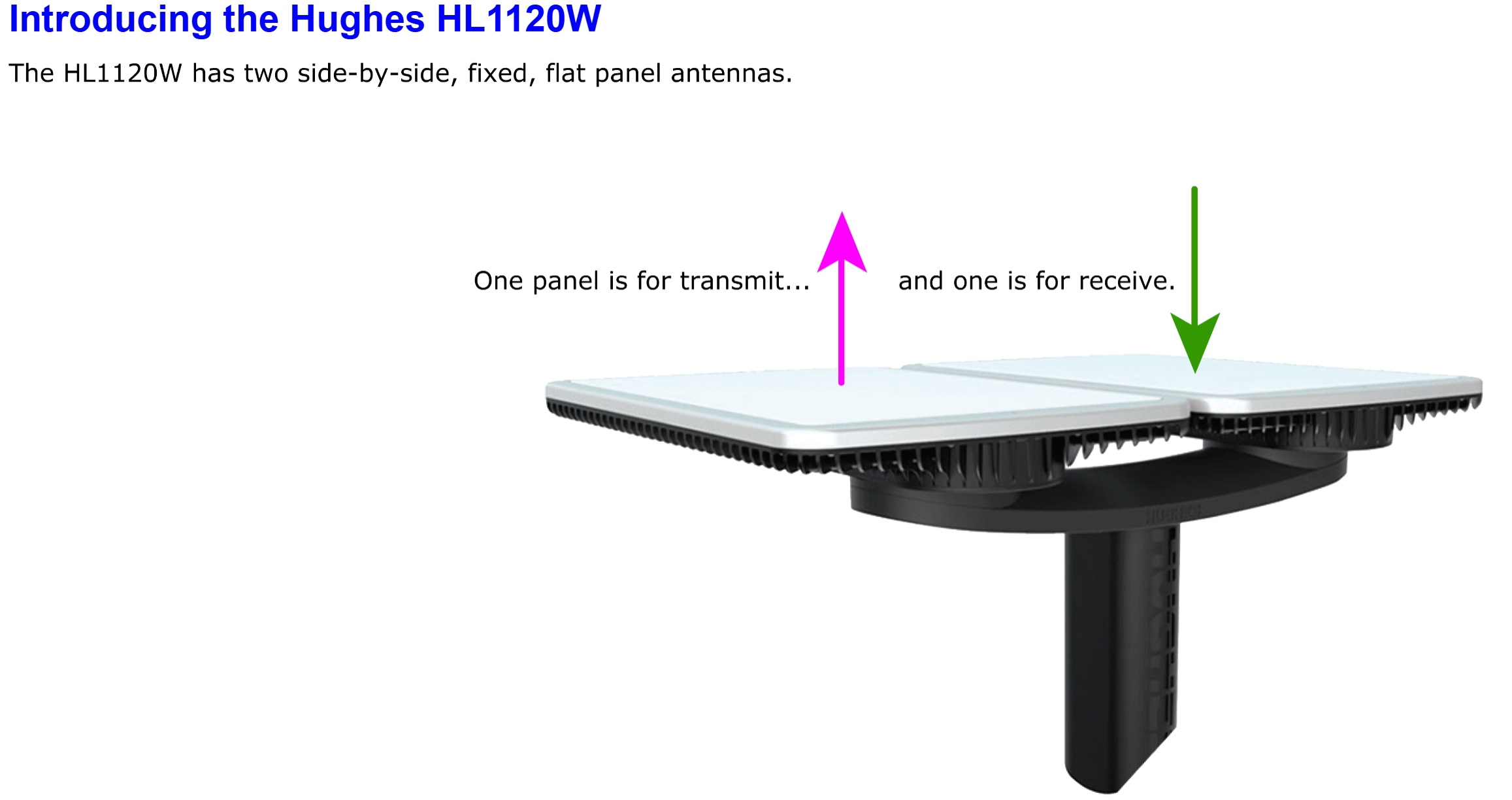
The Hughes HL1100W and HL20W terminals contain electronically-steered flat panel antennas (ESA/FPA) matched to the Eutelsat OneWeb Low Earth Orbit (LEO) network. In this factory-authorized course, you will learn the fundamentals of the OneWeb constellation and how to install, maintain, and troubleshoot these Hughes terminals.
Audience:
This course is recommended for field technicians and engineers, who are (or desire to be) working with Eutelsat and/or their Distribution Partners to deploy User Terminals around the world.
Prerequisites:
None are mandatory. However, we do recommend general satcom knowledge such as GVF 510, 520, GVF 521, SBQ 401, and SBQ 403.
Delivery:
Animated & interactive HTML5, self-paced, on-line format. Requirements: internet access while studying the course material (high speed preferred ); current browser with JavaScript enabled; permission to access SatProf server and learning system websites; mouse.
Tests:
Each lesson contains a mandatory quiz. All pages must be viewed and all quizzes must be passed in order to satisfactorily complete the course.Lessons Included
- Introduction
Introduction to the Eutelsat OneWeb network and overview of the Hughes HL1100W and HL1120W User Terminals and the associated Hughes LEO app.
- Site Survey
How to performn a site survey for these terminals.
- Connectors
How to correctly attach the authorized connectors to approved IDU-ODU coaxial cables.
- Installation
How to select the appropriate mounting options for the local site situation and correctly install the terminals using authorized hardware. How to correctly pull and weatherproof power and signal cables.
- Commissioning
How to use the Hughes LEO app to configurate and activate the terminal into the Eutelsat OneWeb network.
- Troubleshooting
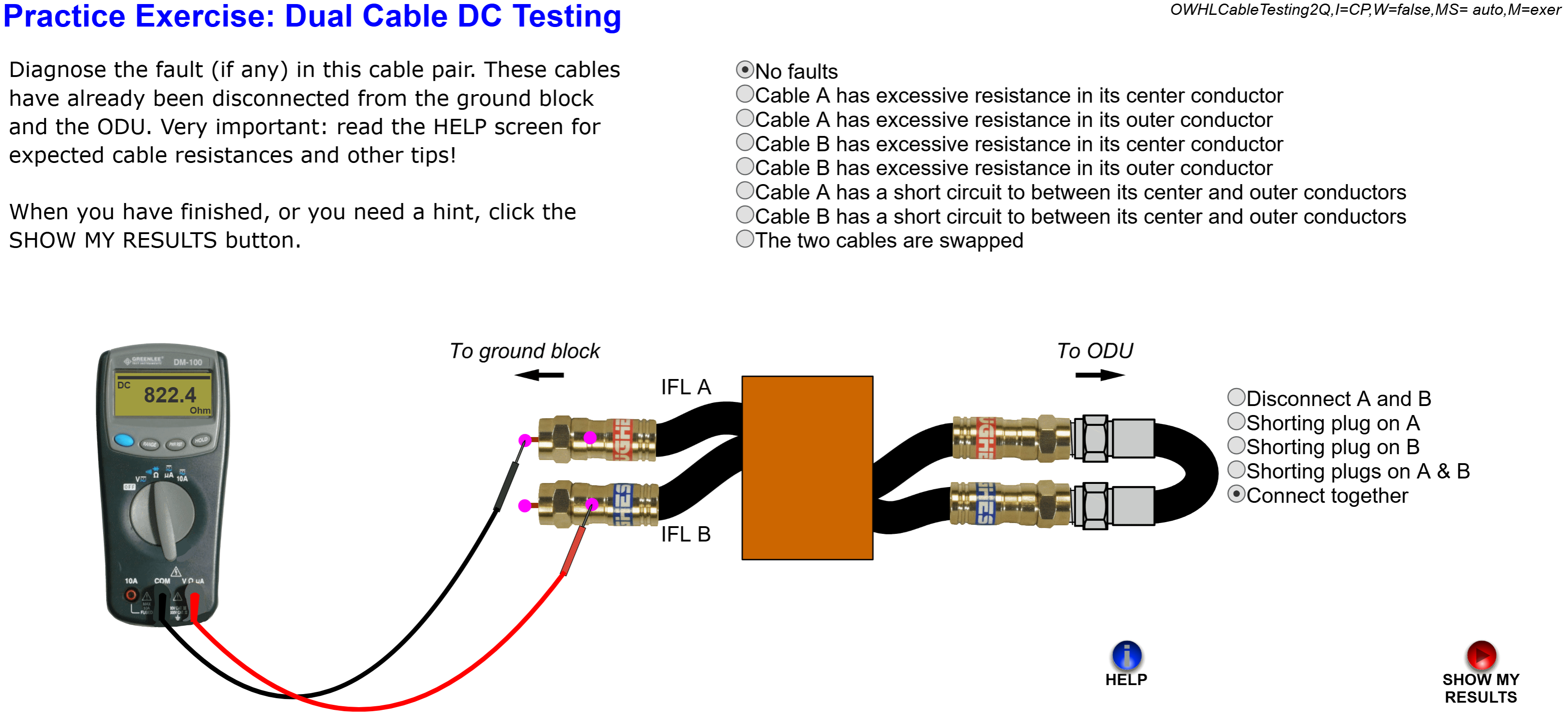
How to troubleshoot HL1100W and HL1120W terminals. Diagnosing cable faults. Determining what can be repaired on site and what requires depot service.
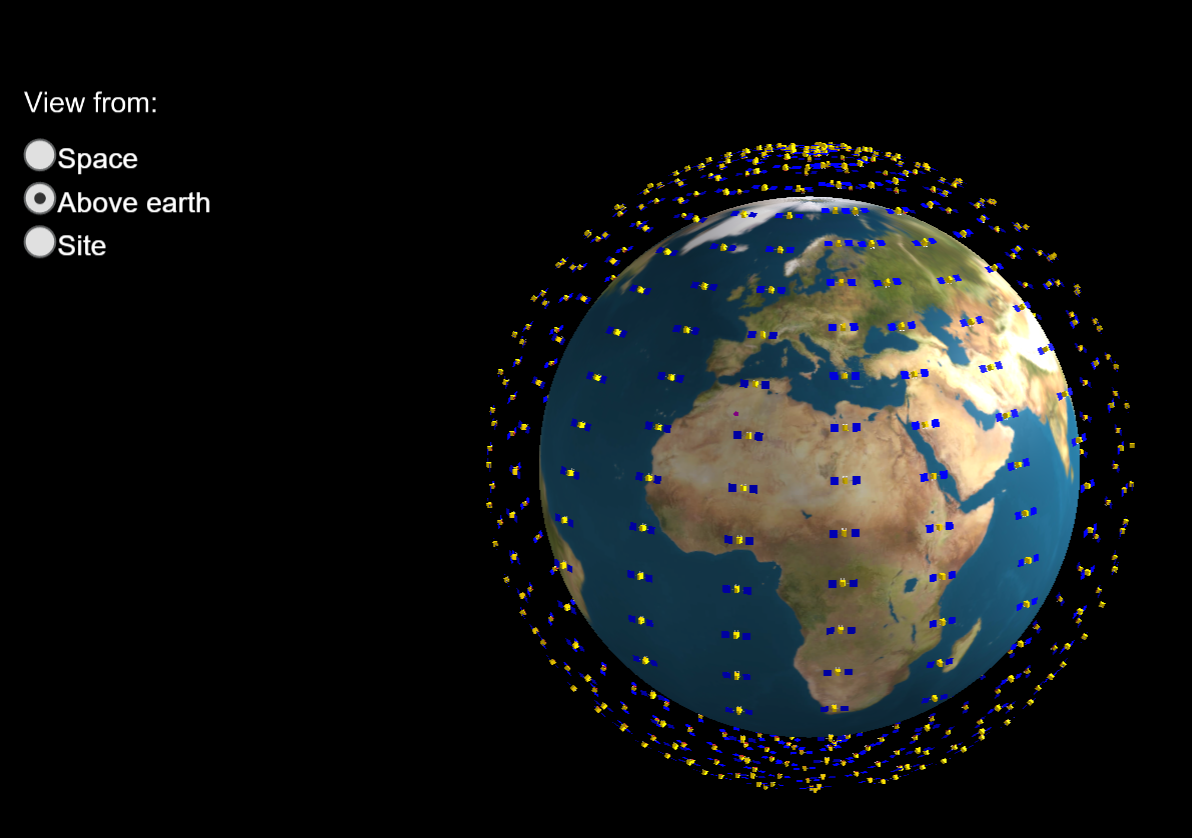
3-D interactive simulation of the Eutelsat OneWeb constellation:
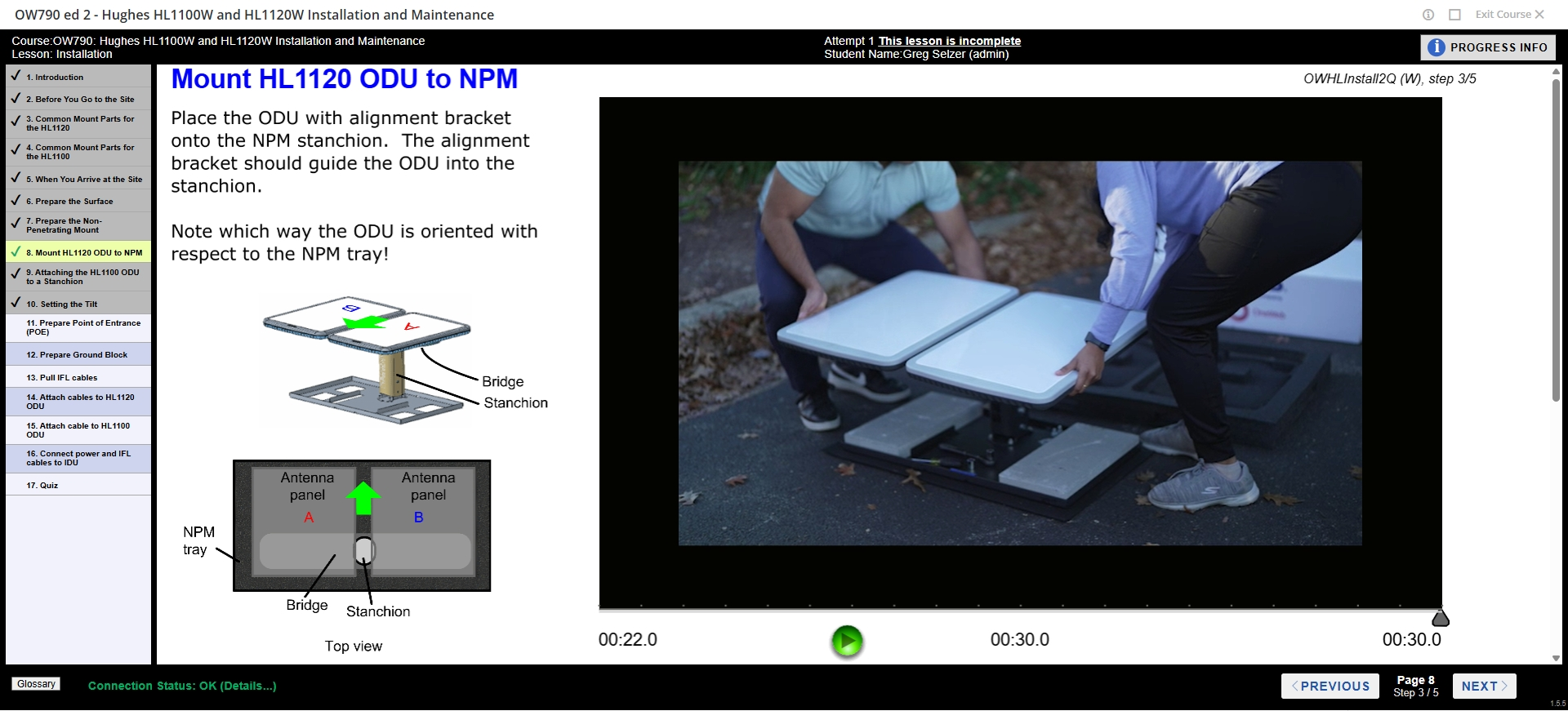
Video clips show step-by-step assembly and installation process:
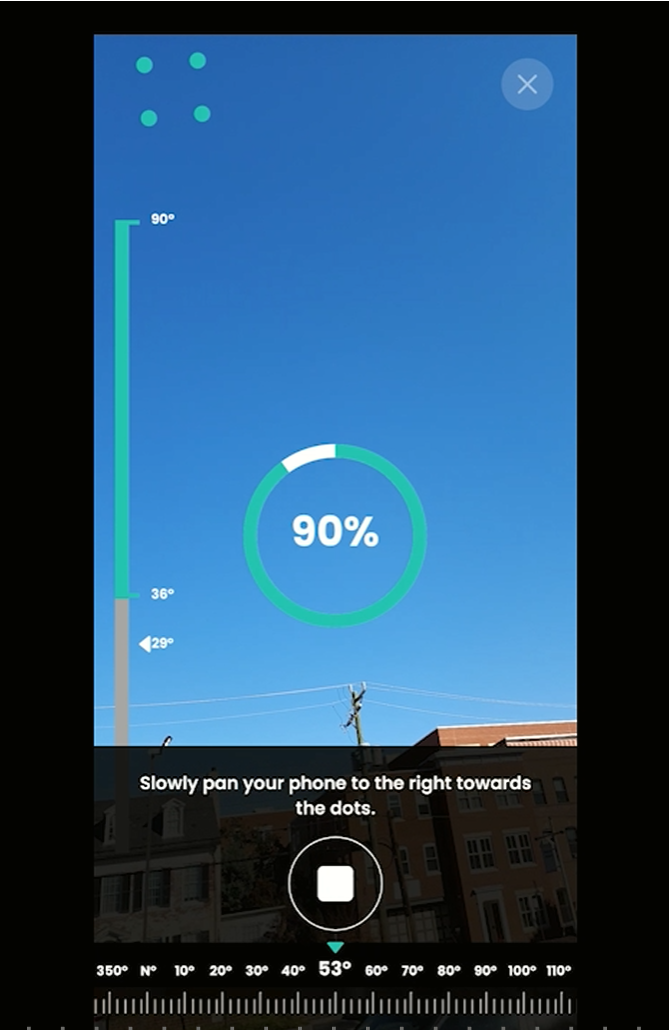
During the site survey phase, the Hughes LEO app shows where clear line of sight to the sky is needed:
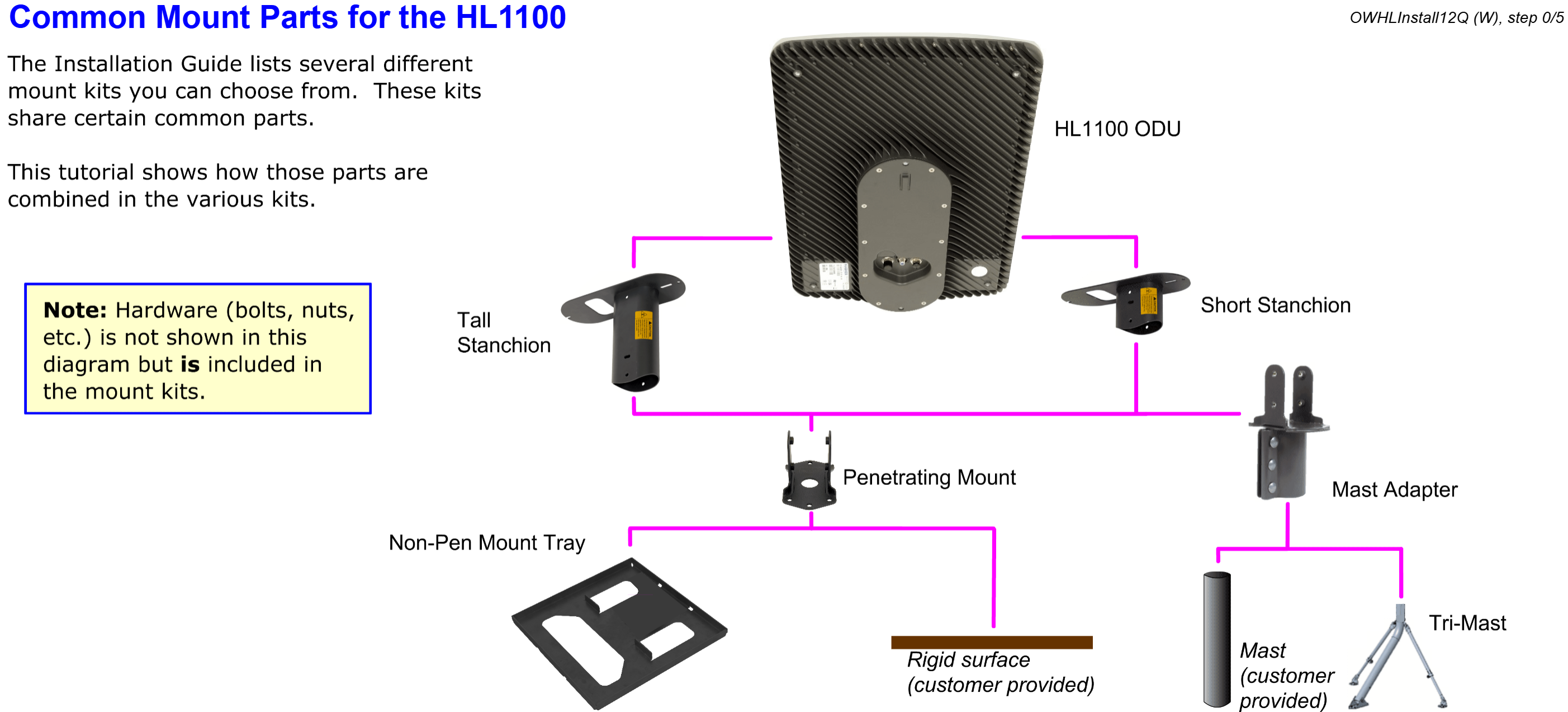
The terminals can be mounted using a wide range of methods. The course explains the options available to the installer: